Talk
Auto and power dialer for one-click calling at pace
Load a calling list and let the dialer place the next call the moment the last one ends. Agents talk more and type less, and managers see the target move live.
3 modes
click, power and preview
1 screen
dial, script and disposition
Live
daily target meter
Dialing modes
Pick the pace that fits the call
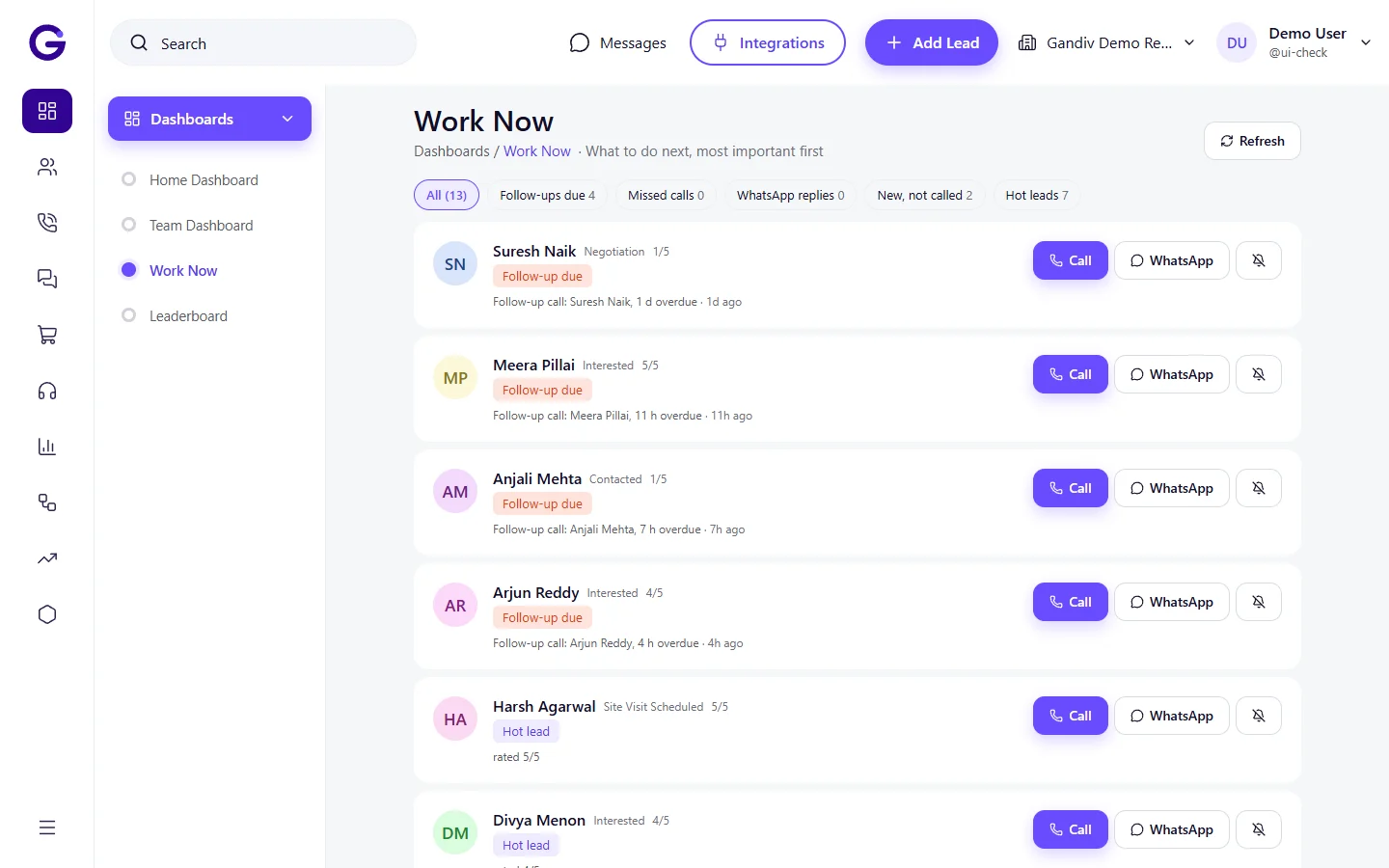
Use click-to-dial for careful calls, preview to read the lead before dialing, or power mode to connect the next number automatically after wrap-up. Switch modes per campaign without changing the list or retraining the team.
- Click, preview and power
- Pause and resume anytime
- Per-campaign mode
Calling lists
Build lists from any filter
Turn a saved lead filter, such as untouched Facebook leads from this week, into a calling list in two clicks. Share it with a team, set the order, and watch each number leave the list as it is attempted.
- Lists from saved filters
- Skip recently called
- Retry rules for no-answer
Calling lists
- Lists from saved filters
- Skip recently called
- Retry rules for no-answer
Disposition panel
Log the outcome before the next call
After each call the agent picks a disposition, adds a note and sets the next follow-up on one panel. Required fields stop half-logged calls, and the dialer will not move on until the outcome is saved.
- Custom dispositions
- Next follow-up date inline
- Required note on key outcomes
Disposition panel
- Custom dispositions
- Next follow-up date inline
- Required note on key outcomes
Target meter
A visible daily goal for every agent
Set daily targets for calls, talk time or connected calls. A meter on the dialer shows progress as the day goes, and managers see the whole team on one board without chasing anyone for numbers.
- Call, talk-time and connect goals
- Live team board
- Daily and weekly views
Target meter
- Call, talk-time and connect goals
- Live team board
- Daily and weekly views
Lead context
See who you are calling
While the phone rings, the screen shows the lead name, last note, stage and previous call outcomes. Agents open the conversation with context instead of asking the same questions again, which keeps repeat callers happier.
- Last note and stage in view
- Open WhatsApp chat in one tap
- Script alongside the call
Lead context
- Last note and stage in view
- Open WhatsApp chat in one tap
- Script alongside the call
Call windows
Dial at sensible hours
Set calling windows by campaign so numbers are not attempted late at night. Add your own do-not-call list, and the dialer skips those numbers automatically so your team stays on the right side of consent rules.
- Time windows per list
- Internal do-not-call list
- Skip numbers on request
Call windows
- Time windows per list
- Internal do-not-call list
- Skip numbers on request
How it works
- 1
Build a calling list
Filter leads, save the list and assign it to a team or an agent.
- 2
Start dialing
Choose click, preview or power mode and let the dialer connect the next call.
- 3
Disposition and move on
Save the outcome and next follow-up, and the next number is dialed.
Works with
Used in these industries
Related features
Frequently asked questions
Do I need a telephony provider?
Yes. Calls run through a cloud telephony number or your own provider, and Gandiv connects to supported ones such as Exotel and Knowlarity. Call charges come from the provider.
Is power dialing the same as a predictive dialer?
No. Power mode places one call per agent after they finish, so there are no abandoned calls from over-dialing. It is a controlled pace, not a predictive one.
Can agents dial from their mobile?
Yes, through the mobile app, which can place calls via the cloud number or the phone SIM depending on your setup.
What if the lead does not pick up?
The agent logs No answer and the retry rule decides when the number returns to the list, for example after two hours or the next day.
Can I record dialer calls?
Yes, when your telephony setup supports recording. Recordings attach to the lead, and a consent announcement can be configured.
See Gandiv on your own leads
Start free, or book a short demo and we will set it up with your pipeline.