Grow and run
From lead ad to WhatsApp in a minute
Connect your Facebook page once and every Facebook or Instagram lead-form submission lands in Gandiv, gets assigned, and receives a WhatsApp welcome before a rival can call.
1 connection
Pages and ad forms picked from a list, no developer needed
Field mapping
Form questions mapped to standard and custom lead fields
Instant reply
WhatsApp welcome message sent as the lead arrives
Connect page
Link your Facebook page in minutes
Sign in with Facebook, choose the page and pick the lead forms you want. Gandiv subscribes to new submissions and also pulls in anything missed during an outage. You can connect several pages and ad accounts, each routed to a different team or pipeline.
- Multiple pages supported
- Missed leads back-filled
- Route each form to a team
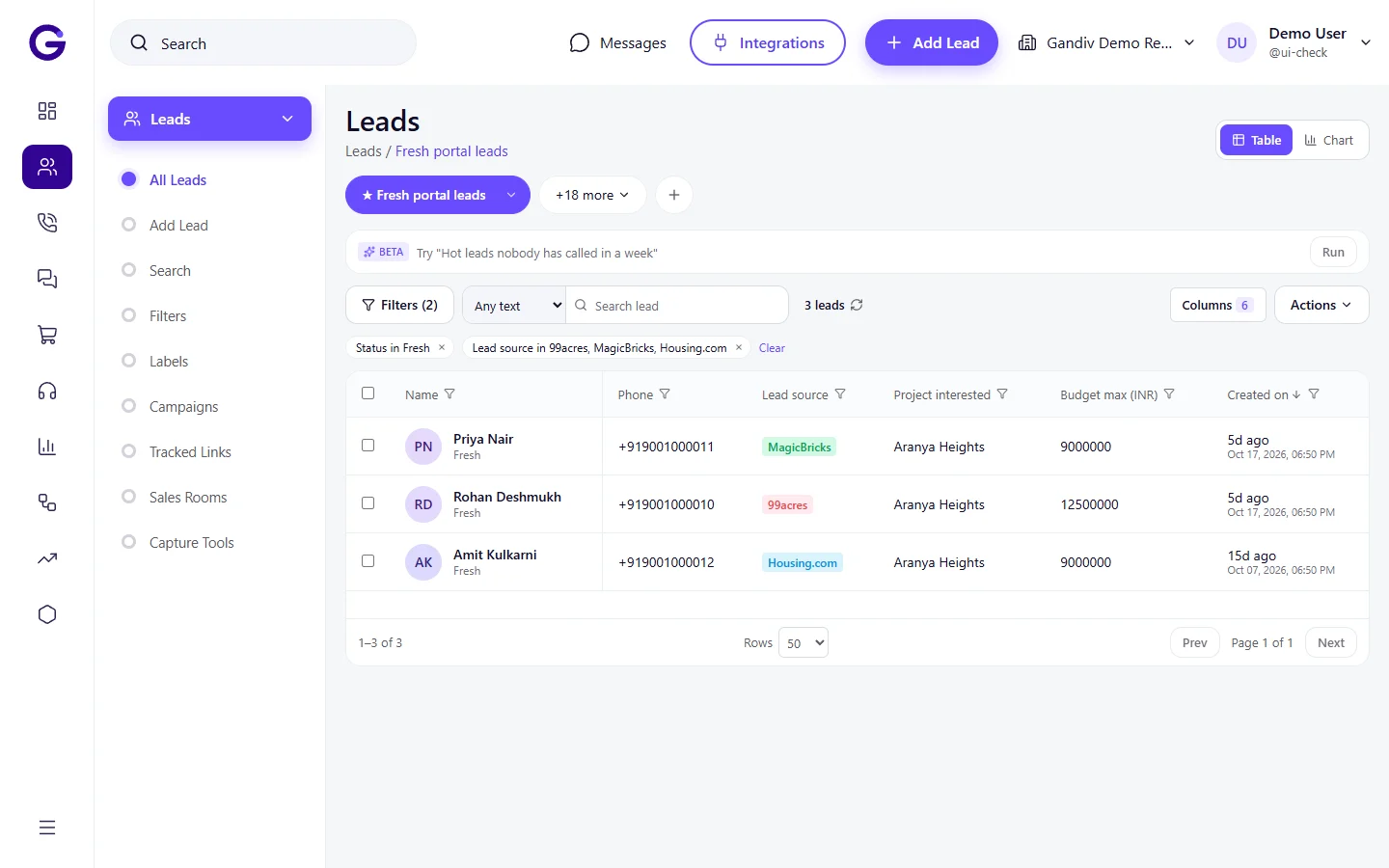
Field map
Map every form question to a field
Facebook questions rarely match your CRM fields. Map each one, including custom questions like budget or preferred city, to a standard or custom Gandiv field. Hidden values such as campaign, ad set and ad name are stored so you can report by creative later.
- Custom questions supported
- Campaign and ad name saved
- Phone number cleaned to +91
Field map
- Custom questions supported
- Campaign and ad name saved
- Phone number cleaned to +91
Welcome message
WhatsApp greeting before anyone dials
Attach an approved WhatsApp template to the form. The moment a lead arrives it receives a greeting with their name, your offer and a brochure link. Reply times drop because the first touch is automatic and the caller can follow up with context.
- Approved templates only
- Name and offer merged in
- Opt-in captured from the form
Welcome message
- Approved templates only
- Name and offer merged in
- Opt-in captured from the form
Instant routing
Assigned and ringing in seconds
New leads pass through your distribution rules, so the right agent is assigned by campaign, city or language and gets a notification. If nobody acts within the time you set, the lead moves to the next agent or the manager instead of sitting idle.
- Rules by campaign or city
- Push alert to the agent
- Auto-move if untouched
Instant routing
- Rules by campaign or city
- Push alert to the agent
- Auto-move if untouched
Duplicates
Same person, one lead
People fill the same ad twice or arrive from two campaigns. Gandiv matches on phone number and email, merges the new enquiry into the existing lead and records the extra source on the timeline, so one customer is never called by two agents.
- Phone and email matching
- Extra source kept on timeline
- No double calls
Duplicates
- Phone and email matching
- Extra source kept on timeline
- No double calls
Audience sync
Send outcomes back to improve ads
Build audiences from your CRM stages, such as visited or booked, and sync them to Meta for retargeting and look-alikes. Cost per lead and cost per won deal by campaign sit side by side, so you can see which ad actually produces revenue.
- Audiences from CRM stages
- Cost per won deal
- Report by ad and creative
Audience sync
- Audiences from CRM stages
- Cost per won deal
- Report by ad and creative
How it works
- 1
Connect the page
Sign in with Facebook and choose the page and lead forms to import.
- 2
Map and route
Match form questions to lead fields and pick the team or rule that should receive them.
- 3
Add the welcome message
Select an approved WhatsApp template and test with a sample lead before going live.
Frequently asked questions
Do I need a developer to connect lead ads?
No. You sign in with Facebook, choose the page and forms, and map the fields on screen. Your Facebook user needs the right access to that page and ad account.
How fast does a lead arrive in Gandiv?
New submissions are received as Meta sends them, normally within moments. A scheduled sync also catches anything that was missed, so no lead is lost during downtime.
Can I send the WhatsApp welcome automatically?
Yes, using a template approved by WhatsApp. It needs the WhatsApp Business API connected and the lead's consent, which you can capture as a question in the lead form.
Does it work for Instagram lead ads too?
Yes. Instagram lead forms run through the same Meta lead-ads system, so they are imported with the same mapping and rules.
Will duplicate leads be created?
No. Gandiv matches on phone and email, adds the new enquiry to the existing lead and shows the extra source on its timeline.
See Gandiv on your own leads
Start free, or book a short demo and we will set it up with your pipeline.