Real estate
Real Estate CRM for developers, brokers and rental teams
Capture every portal and ad enquiry, match it to the right unit, schedule the site visit with pickup and see the booking through to registration. Nothing sits uncalled while a competitor rings first.
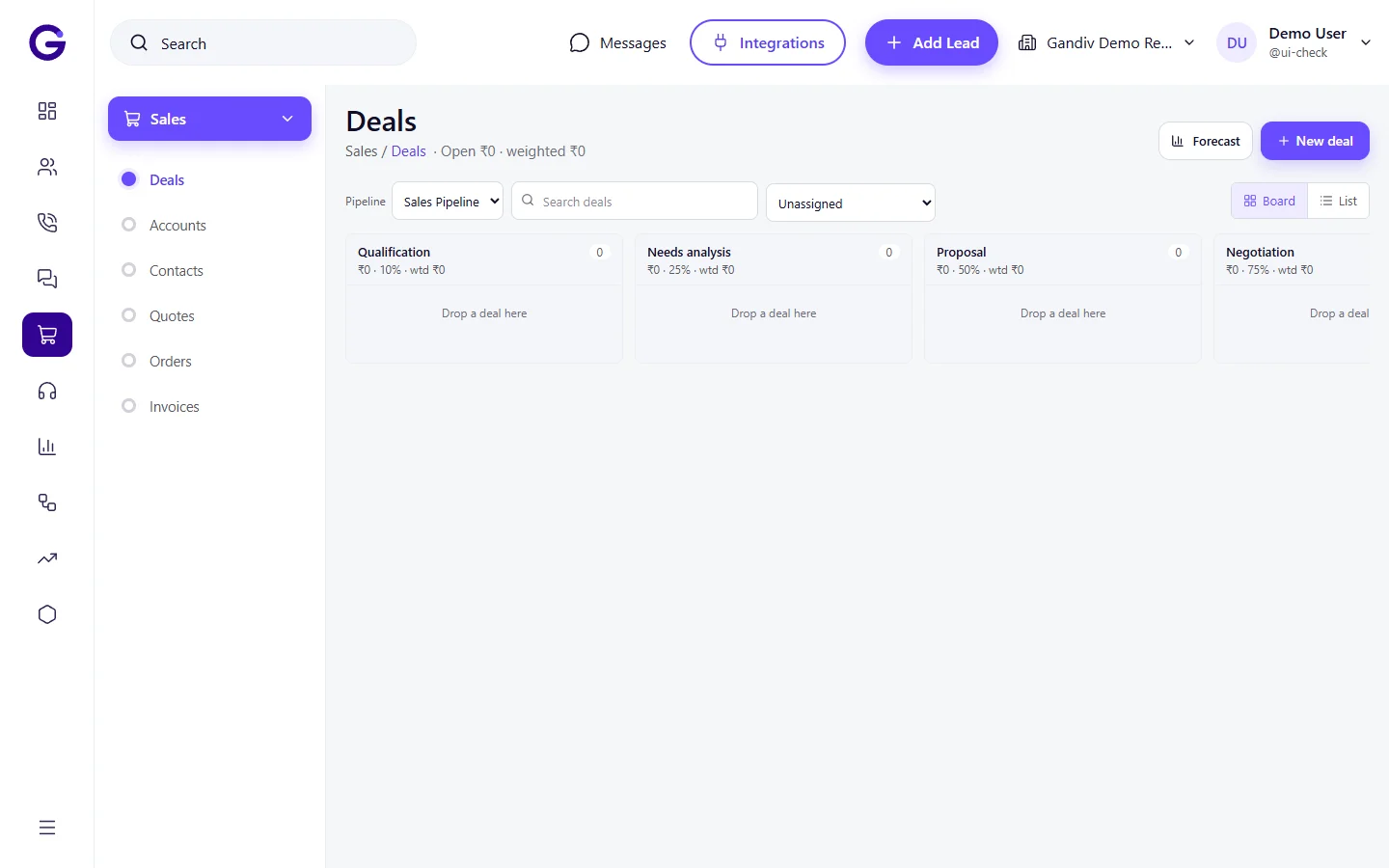
Your pipeline, ready on day one
These stages come with the template. Rename, add or remove any of them.
- Stage 1NewA fresh enquiry lands from a portal, ad or walk-in and is routed to a caller within minutes.
- Stage 2ContactedThe caller reaches the buyer, confirms interest and logs the outcome of the call.
- Stage 3Requirement capturedBHK, budget, location, possession timeline and funding are recorded on the lead.
- Stage 4Site visit scheduledA slot, project and pickup point are fixed and a WhatsApp reminder is queued.
- Stage 5Site visit doneThe sales executive checks in at the site and records feedback and the shortlisted unit.
- Stage 6NegotiationPrice, payment plan and discount asks are tracked with each revised cost sheet.
- Stage 7Token/EOIThe buyer pays a token or expression of interest and the unit is held for them.
- Stage 8BookingThe booking form is signed, the unit is blocked and the first demand is raised.
- Stage 9AgreementThe agreement for sale is drafted and signed against the RERA registered project details.
- Stage 10Registration/PossessionRegistration is completed and later milestone dues run through to possession.
What is a real estate CRM?
A real estate CRM is the system where every buyer enquiry, call, site visit and payment for your projects lives in one place. Gandiv adds telecalling on top: leads from 99acres, MagicBricks, Facebook ads and walk-ins are assigned automatically, callers dial from the browser or phone, and each conversation is logged against the buyer. Developers track towers and units, brokers manage channel partners, and rental teams track rent dues, all from a single workspace. The result is a clean trail from first enquiry to registration, so managers see where deals stall and why.
Why real estate teams need one
Problem
Portal leads arrive in five places and get called late.
With Gandiv
Imports from 99acres, MagicBricks and Facebook land in one queue and are assigned by project or city within seconds.
Problem
Site visits are agreed on a call and forgotten.
With Gandiv
Each visit has a slot, a pickup point and WhatsApp reminders, with a recall list for the ones who do not turn up.
Problem
Two sales executives promise the same unit.
With Gandiv
A hold and block on the unit stops a second booking and shows who holds it and until when.
Problem
Buyers ask for 2 BHK in budget and get shown everything.
With Gandiv
BHK, budget and location fields match each lead to available inventory so callers pitch only what fits.
Problem
Brokers and channel partners dispute who brought the client.
With Gandiv
Every partner lead is stamped with the source and date, so the claim is settled by the record.
Problem
Payment milestones slip because nobody chases them.
With Gandiv
Demand letters and due reminders go out at each construction milestone and overdue buyers surface on a list.
Key features
Site visits
Site visit scheduler with pickup and geo check-in
Fix the project, slot and pickup point while the buyer is still on the call. Reminders go on WhatsApp, the executive checks in by location at the site, and no-shows drop straight into a recall list.
- Slot, vehicle and pickup point on one card
- Geo check-in proves the visit happened
- No-show recall list for the next morning
Matching
Match every buyer by BHK and budget
Capture BHK, budget range, preferred location, possession timeline and funding on the lead. Callers see matching available units next to the profile and can share the right brochure instantly instead of pitching the whole project.
- BHK, budget and possession filters
- Available units shown beside the lead
- Brochure and price sent on WhatsApp
Matching
- BHK, budget and possession filters
- Available units shown beside the lead
- Brochure and price sent on WhatsApp
Portal import
Pull in 99acres and MagicBricks enquiries
Portal enquiries, Facebook lead forms and sheet uploads arrive in one queue with the source tagged. Duplicates are caught by phone number, and the first caller is assigned by project, city or round robin.
- 99acres, MagicBricks and Facebook sources
- Duplicate buyers merged by phone
- Auto-assign by project or city
Portal import
- 99acres, MagicBricks and Facebook sources
- Duplicate buyers merged by phone
- Auto-assign by project or city
Three teams
Developer, broker and rental tabs
One workspace serves builders selling their own inventory, brokers reselling across projects and rental desks managing tenants. Each tab shows the fields, stages and reports that team actually uses, so nobody scrolls past columns they do not need.
- Separate stages for sale and rental
- Channel partner tab with lead ownership
- Rent due reminders for landlords
Three teams
- Separate stages for sale and rental
- Channel partner tab with lead ownership
- Rent due reminders for landlords
Inventory
Hold and block units without double booking
Projects, towers and units sit in a live inventory. A hold reserves a unit for a set time against a buyer, a block confirms it after the token, and a lock prevents a second executive from booking the same flat.
- Project, tower and unit tree
- Timed hold that releases itself
- Double-booking lock across all callers
Inventory
- Project, tower and unit tree
- Timed hold that releases itself
- Double-booking lock across all callers
Pricing
Cost sheets that match the negotiation
Build a cost sheet from base rate, floor rise, parking, GST and registration charges, then revise it as the buyer negotiates. Every version is saved on the lead, so the final figure on the booking form is never in dispute.
- Base rate, PLC, parking and GST lines
- Versioned sheets per negotiation round
- Share as PDF on WhatsApp
Pricing
- Base rate, PLC, parking and GST lines
- Versioned sheets per negotiation round
- Share as PDF on WhatsApp
Collections
Milestone demand letters on time
Link a payment plan to a booking and the construction milestones raise demand letters on their own. Buyers get the letter and a payment link, and the accounts team sees who has paid and who is overdue by amount and days.
- Payment plan tied to construction stage
- Demand letter and pay link sent together
- Overdue dues list for follow-up calls
Collections
- Payment plan tied to construction stage
- Demand letter and pay link sent together
- Overdue dues list for follow-up calls
Team control
See which executive and source converts
Reports show enquiries to visits to bookings by source, project and executive. Managers spot a portal that sends calls but no visits, or an executive with strong visits and weak closures, and coach with real call recordings.
- Funnel by source, project and executive
- Call recordings attached to each lead
- Daily visit and booking targets
Team control
- Funnel by source, project and executive
- Call recordings attached to each lead
- Daily visit and booking targets
What is inside the template
Everything below is created in your workspace when you pick this template.
| Fields | BHK · Budget range (lakh or crore) · Preferred location · Possession timeline · Funding (self, home loan) · Portal source · RERA registration number · Broker or channel partner |
|---|---|
| Automations | Site visit reminder - 2 hours before on WhatsApp · Site visit no-show recall next morning · Hold release alert 24 hours before expiry · Milestone demand letter on construction stage · Rent due reminder - 3 days before |
| Reports | Enquiry to booking funnel by project · Site visits scheduled vs done · Portal source quality (visit rate) · Unit hold and block register · Collections due by milestone |
| Message templates | Welcome and project brochure · Site visit confirmation with pickup point · Post-visit thank you and price sheet · Token receipt confirmation · Demand letter cover note |
| Call script | Greet by name and confirm the project they enquired about. Ask BHK, budget, possession timeline and whether a home loan is needed. Offer two matching units, fix a site visit slot with pickup, and confirm the details on WhatsApp before ending the call. |
Fields
BHK · Budget range (lakh or crore) · Preferred location · Possession timeline · Funding (self, home loan) · Portal source · RERA registration number · Broker or channel partner
Automations
Site visit reminder - 2 hours before on WhatsApp · Site visit no-show recall next morning · Hold release alert 24 hours before expiry · Milestone demand letter on construction stage · Rent due reminder - 3 days before
Reports
Enquiry to booking funnel by project · Site visits scheduled vs done · Portal source quality (visit rate) · Unit hold and block register · Collections due by milestone
Message templates
Welcome and project brochure · Site visit confirmation with pickup point · Post-visit thank you and price sheet · Token receipt confirmation · Demand letter cover note
Call script
Greet by name and confirm the project they enquired about. Ask BHK, budget, possession timeline and whether a home loan is needed. Offer two matching units, fix a site visit slot with pickup, and confirm the details on WhatsApp before ending the call.
By role
Owner or sales head
- Funnel by project, source and executive
- Unit availability and holds at a glance
- Collections due against the payment plan
Telecaller or sales executive
- Assigned leads with next action and time
- Matching units shown beside the buyer
- Site visit booking in a few taps
Site team and back office
- Geo check-in and visit feedback
- Cost sheets and booking forms
- Demand letters and receipts
Integrations for this industry
Related industries
Frequently asked questions
Can I import leads from 99acres and MagicBricks?
Yes. Enquiries from both portals are pulled into one queue with the source tagged, duplicates are merged by phone number, and the lead is assigned to a caller by project or city. If a portal feed is not available to you, upload the export as a sheet.
How does the double-booking lock work?
A hold or block marks the unit as taken against one buyer. Any other executive who tries to hold or book that unit sees who has it and until when, so two people cannot promise the same flat.
Does it work for brokers who sell many builders projects?
Yes. The broker setup lets you list projects from several developers, track which client belongs to which project, and keep your own commission and follow-up notes on every deal.
Can rental teams use it too?
Yes. The rental tab tracks tenants, landlords, agreement dates and rent due reminders, with its own simpler stages, alongside your sale pipeline in the same account.
How do site visit reminders and recalls work?
When you fix a visit, a WhatsApp confirmation goes out with the slot and pickup point, and a reminder follows two hours before. Buyers marked as no-show appear in a recall list for the next morning.
Can I generate cost sheets and demand letters?
Yes. Cost sheets are built from your price lines such as base rate, parking, GST and registration, and demand letters are generated from the payment plan at each milestone. You review the tax and legal wording with your own CA or advocate.
Is RERA information supported?
You can store the RERA registration number against each project and show it on brochures and messages. Gandiv does not file or verify anything with the authority; compliance stays with you.
Can buyers see their own booking status?
A buyer portal can show the unit, payment plan, dues paid and pending, and the demand letters raised. You choose what is visible and can switch it off per project.
Start with the real estate template
Your pipeline, fields and messages are created for you. Change anything later.