Sell
Sales forms and call scripts that guide every call
Give every agent the same strong opening, the right questions and a clean wrap-up. Answers save straight into lead fields, and managers can improve the script with real data.
Branching
scripts by answer
Required
dispositions per outcome
Versioned
with history
Script builder
Write scripts that branch on answers
Lay out the opening, discovery questions and objection handling as steps. If the customer says budget is tight, the script shows the right reply. Agents glance at it during the call instead of improvising or reading a wall of text.
- Branching steps
- Objection replies
- Hindi, English or Hinglish text
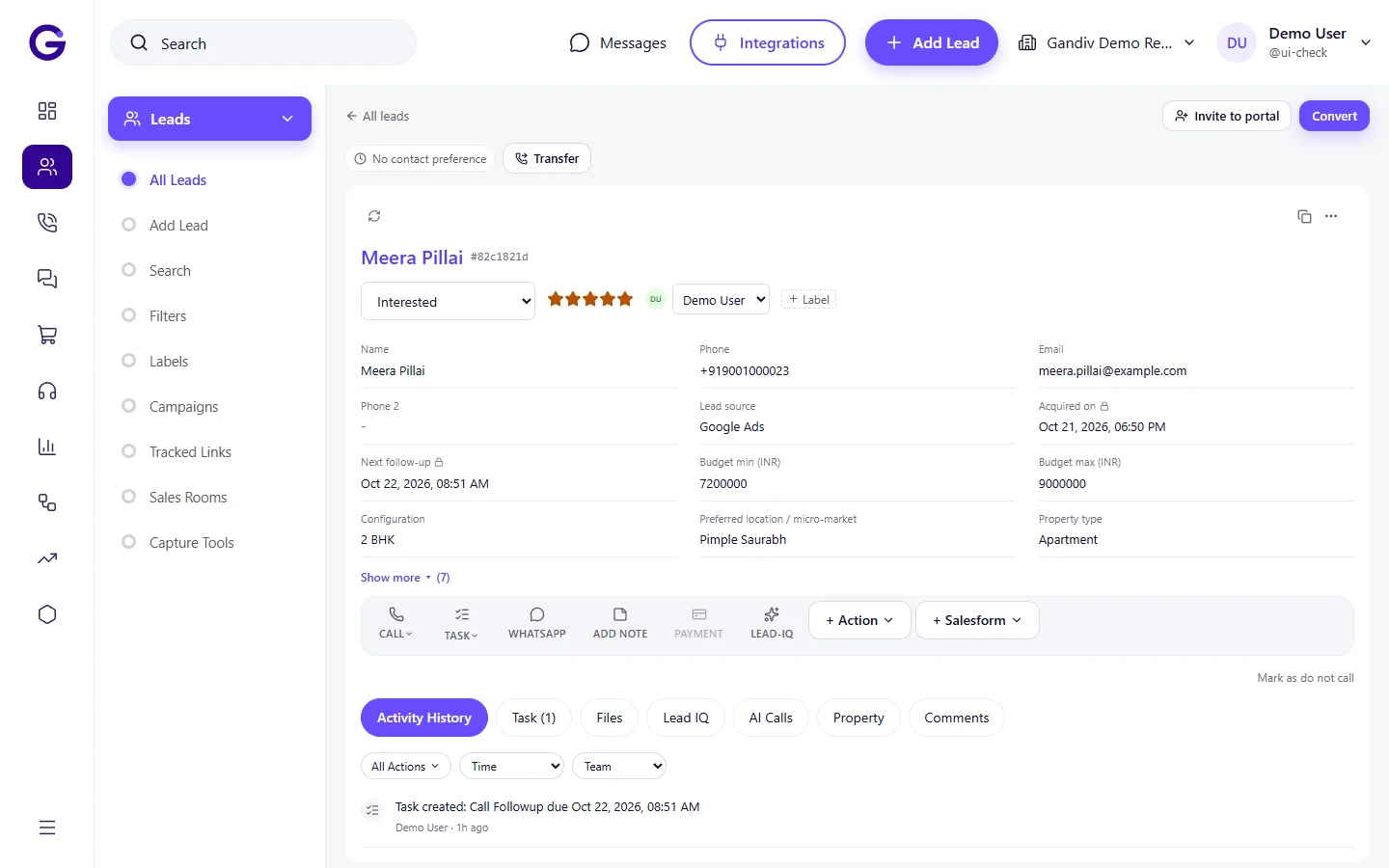
Forms in call
Capture answers as you talk
Embed form fields in the script so budget, timeline and requirement are typed once and saved to lead fields. No double entry afterward, and every lead has the same data points for filters and reports.
- Saves to lead fields
- Dropdown and number fields
- Required fields per step
Forms in call
- Saves to lead fields
- Dropdown and number fields
- Required fields per step
Required dispositions
No call ends without an outcome
Define dispositions such as Interested, Call back, Not reachable and Wrong number, and attach rules to each. Interested may require a follow-up date, and Not interested may require a reason, which keeps data useful.
- Rules per disposition
- Required reason on loss
- Next step enforced
Required dispositions
- Rules per disposition
- Required reason on loss
- Next step enforced
Versions
Change scripts without losing history
Publish a new version of a script and keep the old one on record. Compare how outcomes changed after an edit, and roll back if the new opening performs worse. Teams improve scripts from evidence, not hunches.
- Draft and publish
- Version history
- Roll back in one click
Versions
- Draft and publish
- Version history
- Roll back in one click
AI summary
Get a call summary on the lead
After a call, an AI summary can draft the key points, objections and agreed next step from the recording, which the agent can edit and save. It saves typing time while keeping the notes consistent. Uses AI credits on supported plans.
- Draft from recording
- Editable before saving
- Uses AI credits
AI summary
- Draft from recording
- Editable before saving
- Uses AI credits
Per-campaign scripts
Different script for each campaign
Attach a script to a campaign, source or product so the right one appears automatically. A loan enquiry shows eligibility questions, while a renewal call shows policy details, with no agent hunting for the correct document.
- Auto-pick by campaign
- Product-wise scripts
- Team-level access
Per-campaign scripts
- Auto-pick by campaign
- Product-wise scripts
- Team-level access
How it works
- 1
Write the script
Add steps, questions and objection replies for your campaign.
- 2
Attach form fields
Link answers to lead fields and set required dispositions.
- 3
Review results
Check outcomes by script version and refine.
Works with
Used in these industries
Frequently asked questions
Can agents skip the script?
Scripts guide but do not lock the call. You can make certain fields and dispositions required while leaving the wording flexible.
Is the AI summary always accurate?
No. It is a draft that the agent should check before saving, and it works best on clear audio.
Can I have scripts in Hindi?
Yes. Scripts accept Hindi, English and Hinglish text, and you can keep one version per language.
Do scripts work on the mobile app?
Yes, the script and form appear on the mobile call screen too.
Can I see which script step loses people?
Outcome reports by script version show where calls end well or badly. Step-level analytics depend on how you structure the script.
See Gandiv on your own leads
Start free, or book a short demo and we will set it up with your pipeline.