For sales managers
See what your calling team is doing without chasing them
Leads reach the right person fast, follow-ups do not slip, and the dashboard shows who is working what. Review calls and drafts instead of asking for updates.
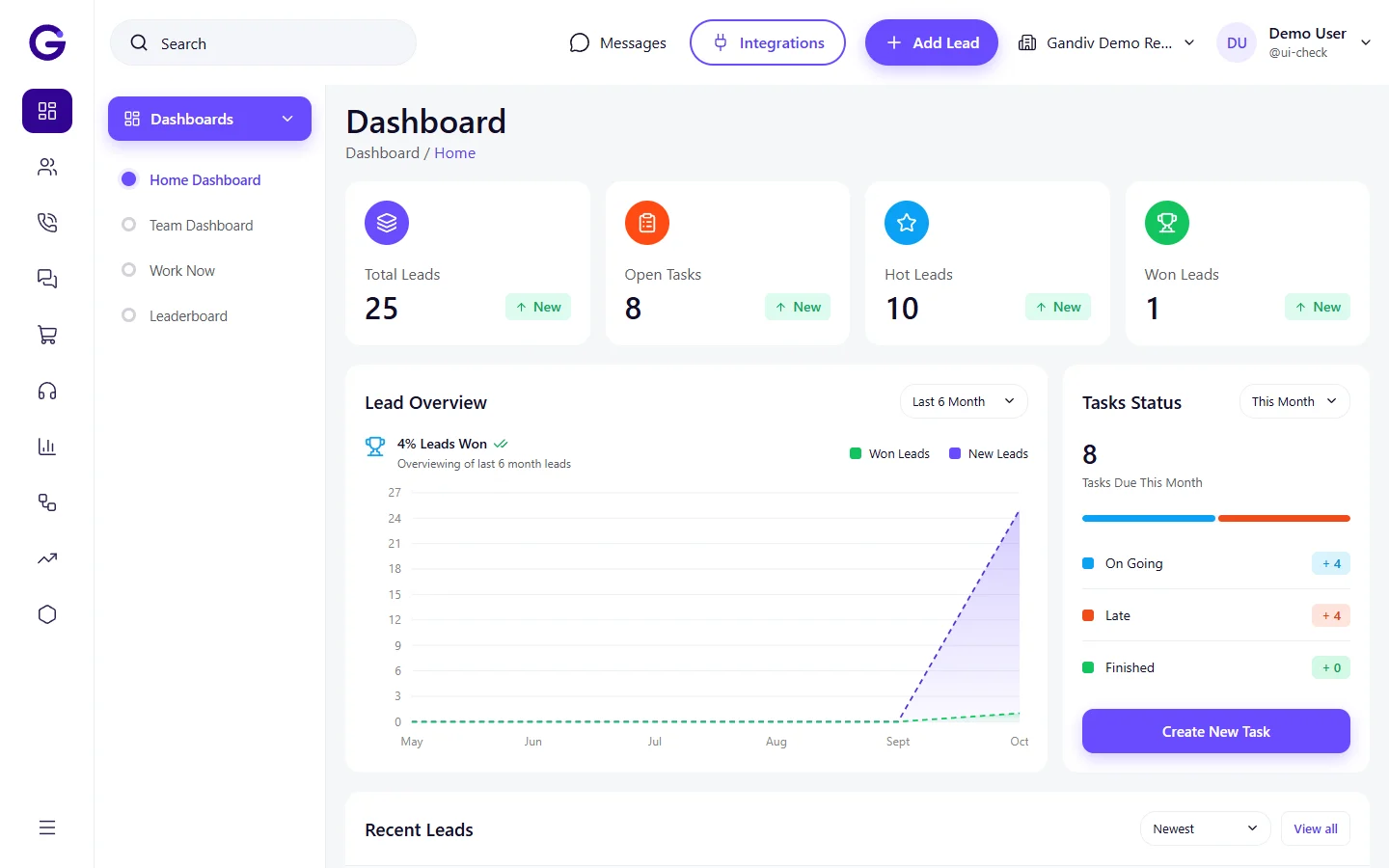
What the day looks like
Morning
Check the dashboard
Leads, calls and follow-ups for the team on one screen, built from the real rows in your workspace.
During the day
Watch speed-to-lead
See how quickly new leads are first contacted and re-assign when someone is stuck.
Midday
Check the pipeline
Open the deals board to see where deals sit by stage and who owns them.
End of day
Review outcomes
Look at dispositions and call logs per agent, and send quotes as GST PDFs.
What helps you most
Distribute leads by rule
Round-robin and other rules put each lead with an agent automatically.
Reports and leaderboard
Compare agents on calls, follow-ups and conversions.
Quotes and invoices
GST quote and invoice PDFs from the deal, shareable by link.
Control over AI
You choose, per field, whether AI fills, suggests or stays off.
Features to look at first
Lead distribution
Route every new lead to the right agent by rule, within seconds.
Reports and leaderboard
See who sells, who calls and who follows up, with live reports and a team leaderboard.
Workflow automation
When this happens, do that: automate follow-ups, assignments and messages.
Quotations and invoices
GST-ready quotes and invoices made from the lead, sent as PDF.
Frequently asked questions
Can I decide who sees which leads?
Yes. Roles and permissions control access, and the audit log records changes.
Can I bring in leads from our current CRM?
Yes. Imports from TeleCRM, LeadSquared, Zoho, Kylas, Privyr and HubSpot exports are supported, with column mapping. CSV and Excel work too.
Do I get reports by agent?
Yes. The dashboard and reports are built from your own calls, leads and follow-ups.
See Gandiv on your own leads
Start free, or book a short demo and we will set it up with your pipeline.