Talk
Call tracking and recording: every call logged
Calls attach themselves to the right lead with duration, outcome and audio. Missed calls raise a task, and managers can listen back whenever they need to coach or settle a dispute.
100%
of cloud calls logged
Set retention
keep audio for days you choose
Consent
announcement setting
Call log
Incoming, outgoing and missed in one log
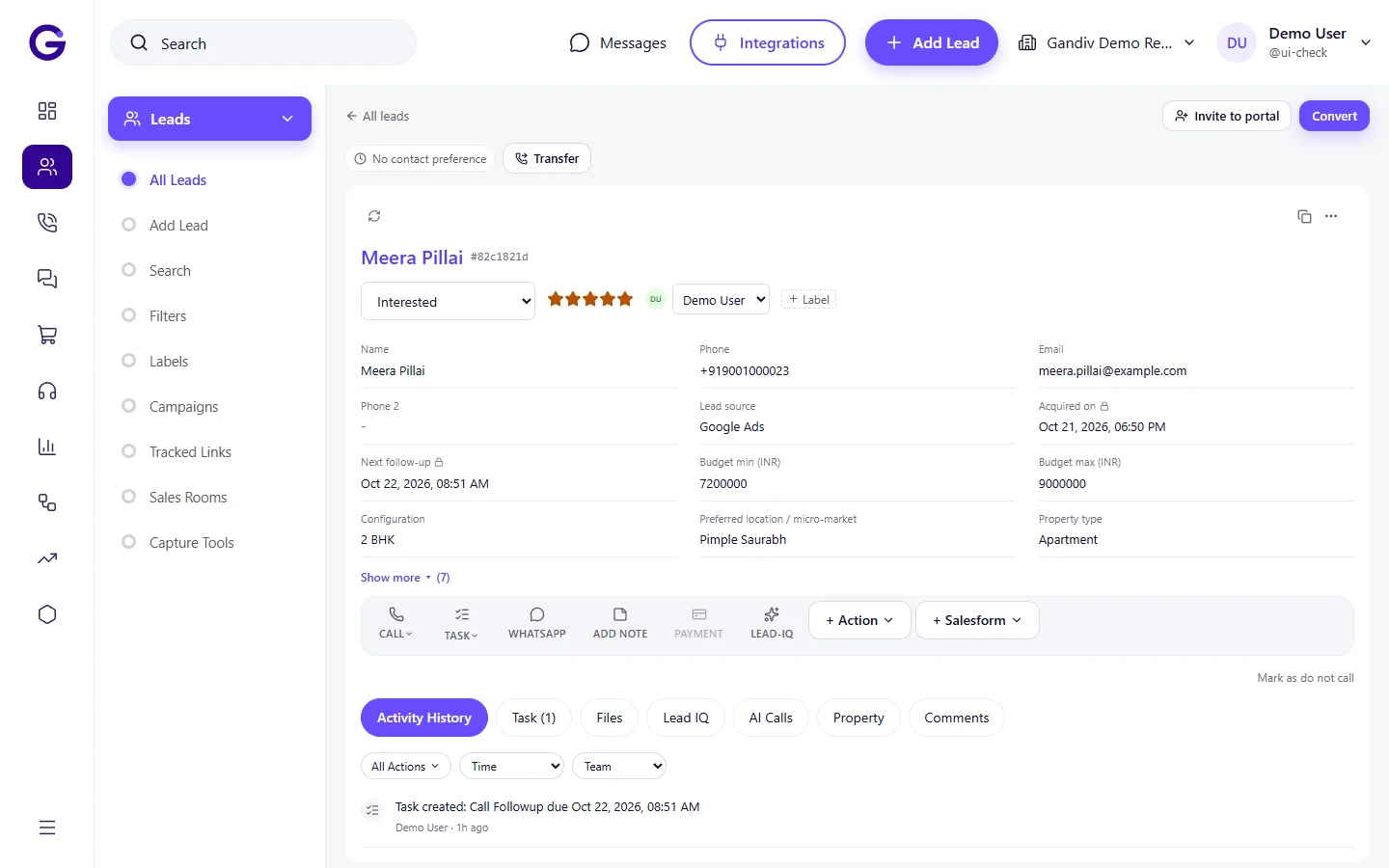
Each call is matched to a lead by phone number and stamped with time, duration, agent and status. Unknown numbers become new leads, so a customer who rings your business line is never just a missed entry in a phone log.
- Auto-match to lead
- Unknown caller creates a lead
- Filter by agent, status, date
Missed calls
A missed call becomes a task
When a call goes unanswered, Gandiv creates a callback task for the owner and alerts them on mobile. A manager view lists missed calls older than your limit, so a slow response is visible and fixable.
- Auto callback task
- Alert after set minutes
- Missed-call report by agent
Missed calls
- Auto callback task
- Alert after set minutes
- Missed-call report by agent
Recording player
Listen back from the lead screen
Play recordings inside the lead timeline with speed control, jump markers and notes at a timestamp. Managers can review a sample of calls each week for coaching without downloading files or asking agents to send audio.
- Inline player with speed control
- Timestamped notes
- Secure access by role
Recording player
- Inline player with speed control
- Timestamped notes
- Secure access by role
Retention
Keep recordings as long as you need
Choose how long audio is stored, for example 90 days or a year, and Gandiv removes older files on schedule. Metadata such as duration and outcome stays on the lead even after the audio expires.
- Retention in days
- Metadata kept after expiry
- Export before deletion
Retention
- Retention in days
- Metadata kept after expiry
- Export before deletion
Consent setting
Tell callers they may be recorded
Turn on a short announcement at the start of calls so people know recording is in use. The setting is per number, and you decide the wording, which keeps your practice transparent and easier to defend.
- Announcement on or off per number
- Your own wording
- Role-limited recording access
Consent setting
- Announcement on or off per number
- Your own wording
- Role-limited recording access
Call reports
See talk time and connect rates
Reports show calls made, connected, average talk time and first-response time by agent, team and source. You can spot which source leads to short calls and which agents need coaching on the opening.
- Connect rate by agent
- Talk time trends
- First response time
Call reports
- Connect rate by agent
- Talk time trends
- First response time
How it works
- 1
Connect your number
Link a cloud telephony provider or buy a business number to route calls through Gandiv.
- 2
Calls log themselves
Each call attaches to a lead with duration, outcome and audio.
- 3
Review and coach
Play recordings, check missed calls and share feedback from the lead timeline.
Works with
Used in these industries
Related features
Frequently asked questions
Can Gandiv record calls made from a normal SIM?
Cloud and app-routed calls are recorded and logged reliably. Calls on a plain mobile SIM depend on the phone and operating system, so we recommend cloud calling for full recording.
Is call recording legal in India?
Rules depend on your use and sector. We provide a consent announcement setting, but you should take your own legal advice on notice and consent for your calls.
Who can listen to recordings?
Only roles you permit. Agents can be limited to their own calls while managers and quality teams hear the team.
How much audio storage is included?
Storage and retention limits depend on your plan, and the pricing page shows the current numbers.
Can I download a recording?
Yes, if your role allows it. Downloads are logged so you can see who exported what.
See Gandiv on your own leads
Start free, or book a short demo and we will set it up with your pipeline.